
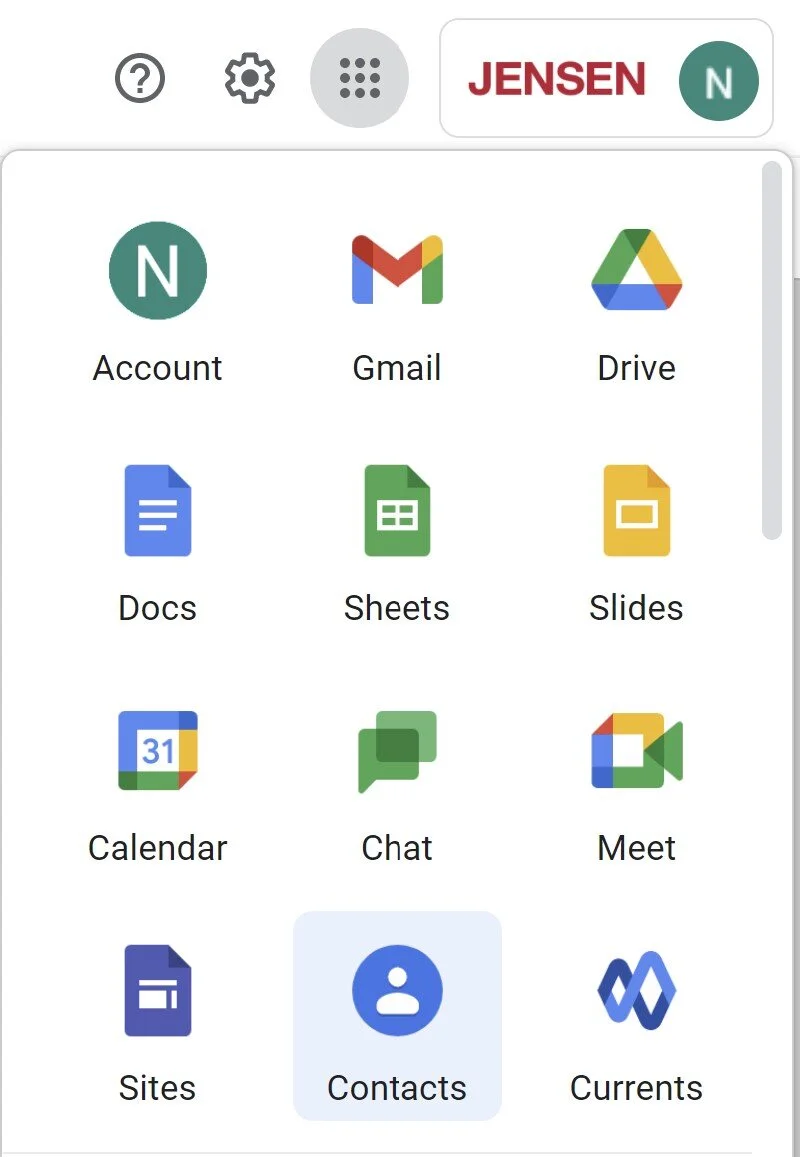
Accessing your Google Contacts

Adding and Searching for Contacts
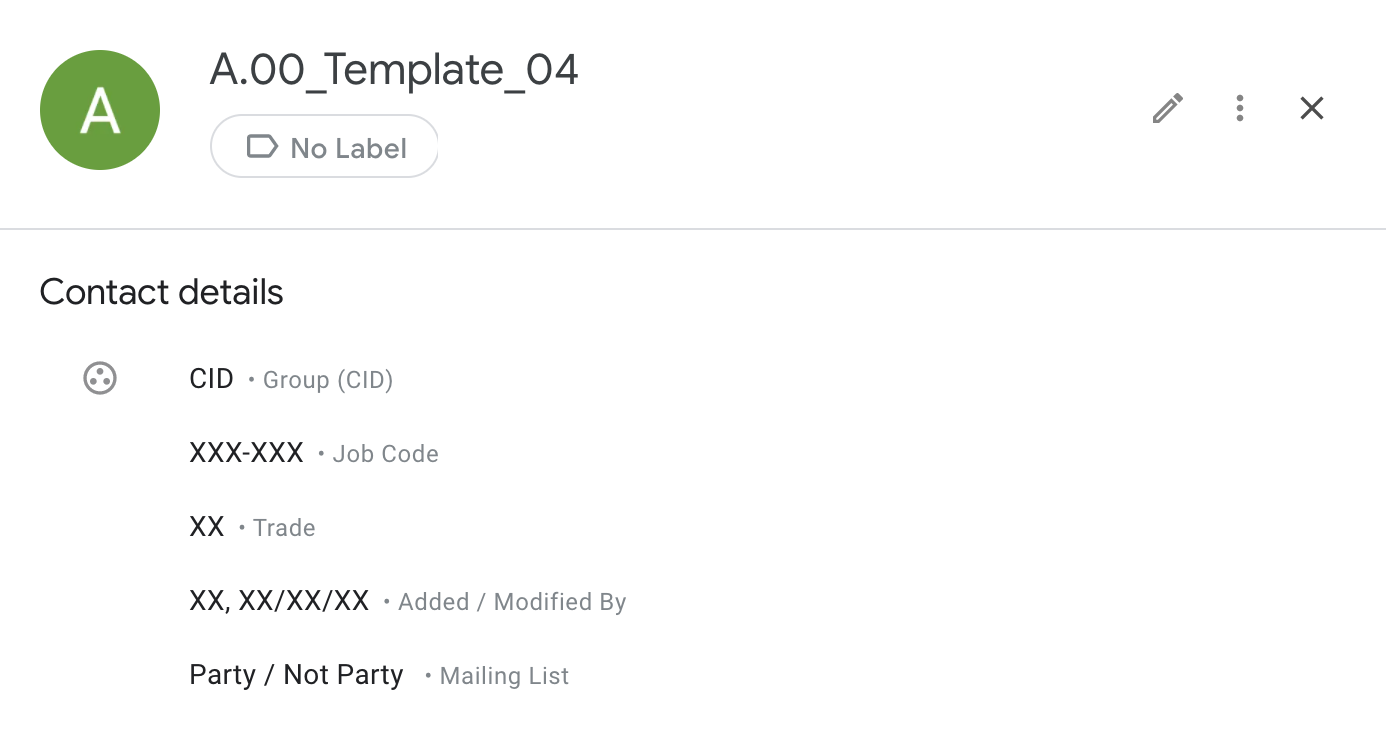
Add new contacts by using one of the templates at the top of the contacts list. Fill in new contact information including the additional categories like job code and Group. Group (CID) refers to Critical, Important or Default. Only add contacts using the templates in order to ensure proper formatting for all new contacts.
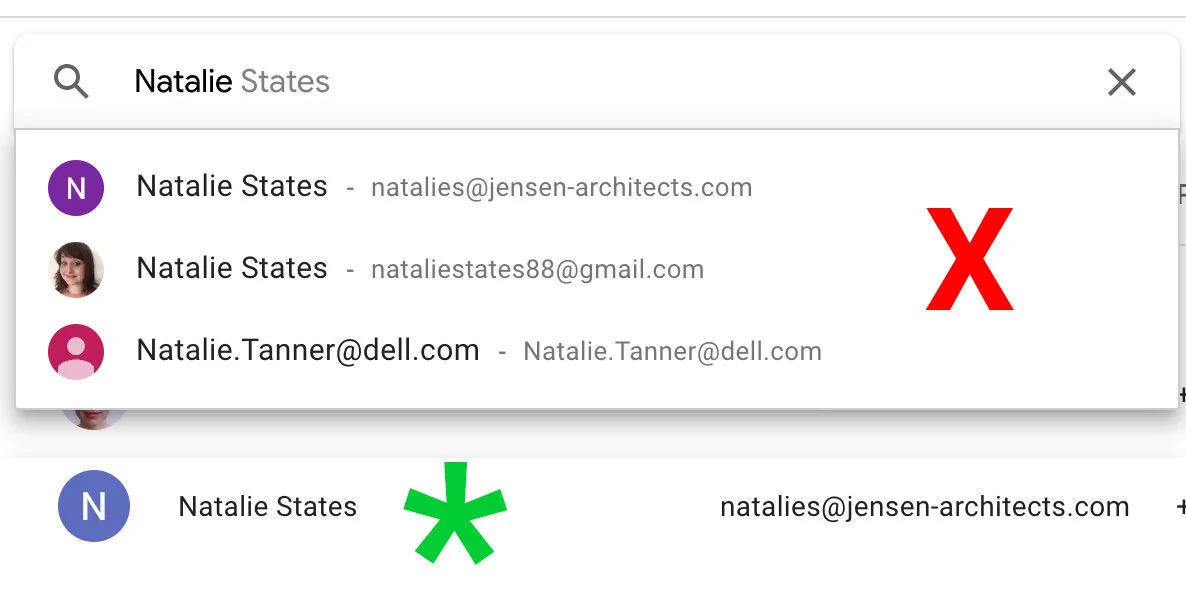
Search for contacts by typing their name in the search bar and pressing enter. Do not select the contact from the prediction list that comes up as you begin to type.